$27.83
$45.64
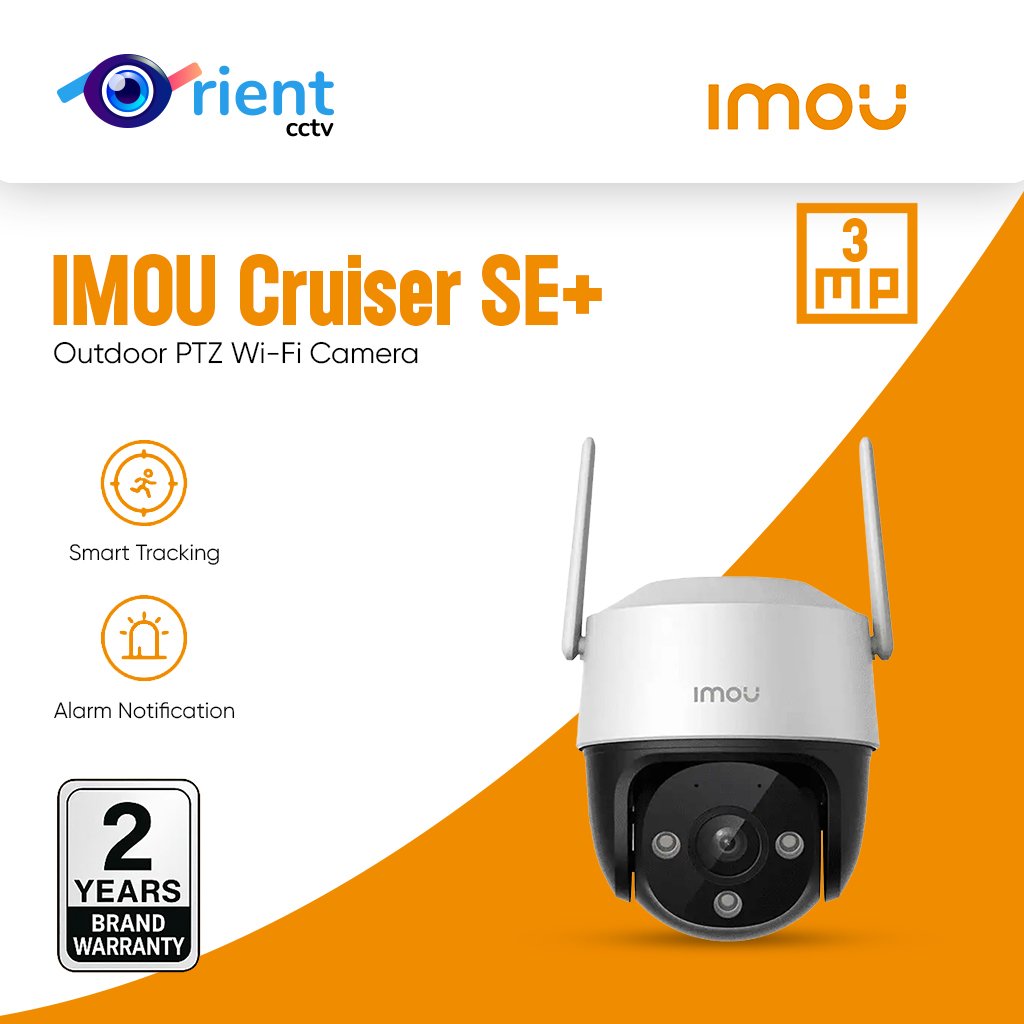
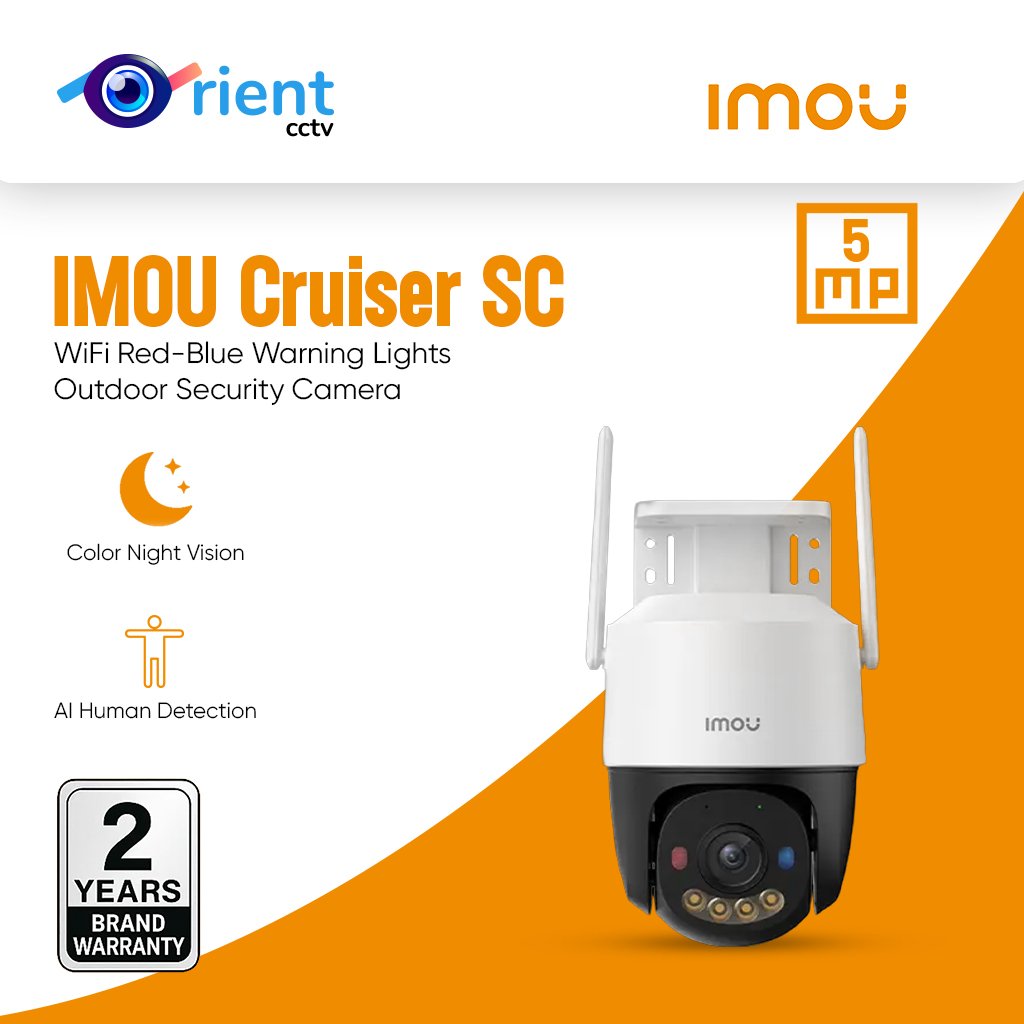
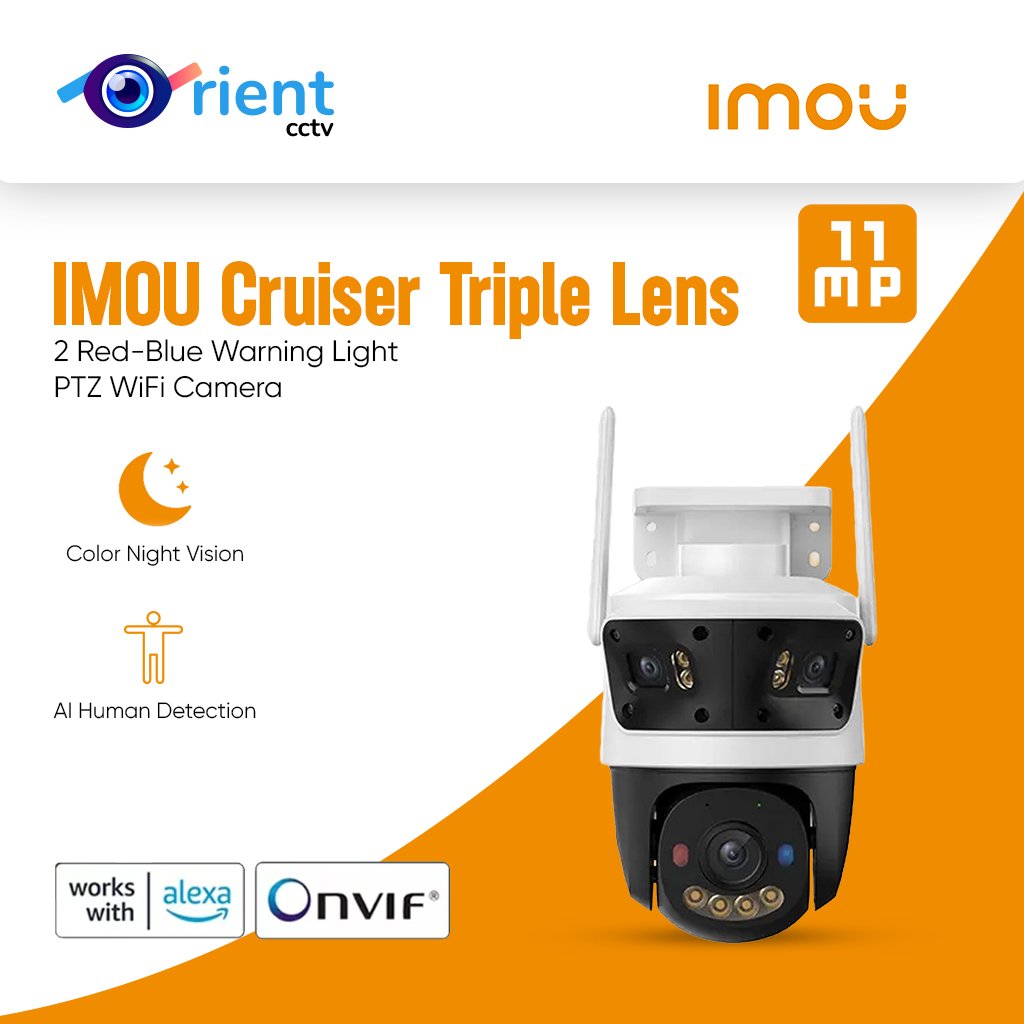
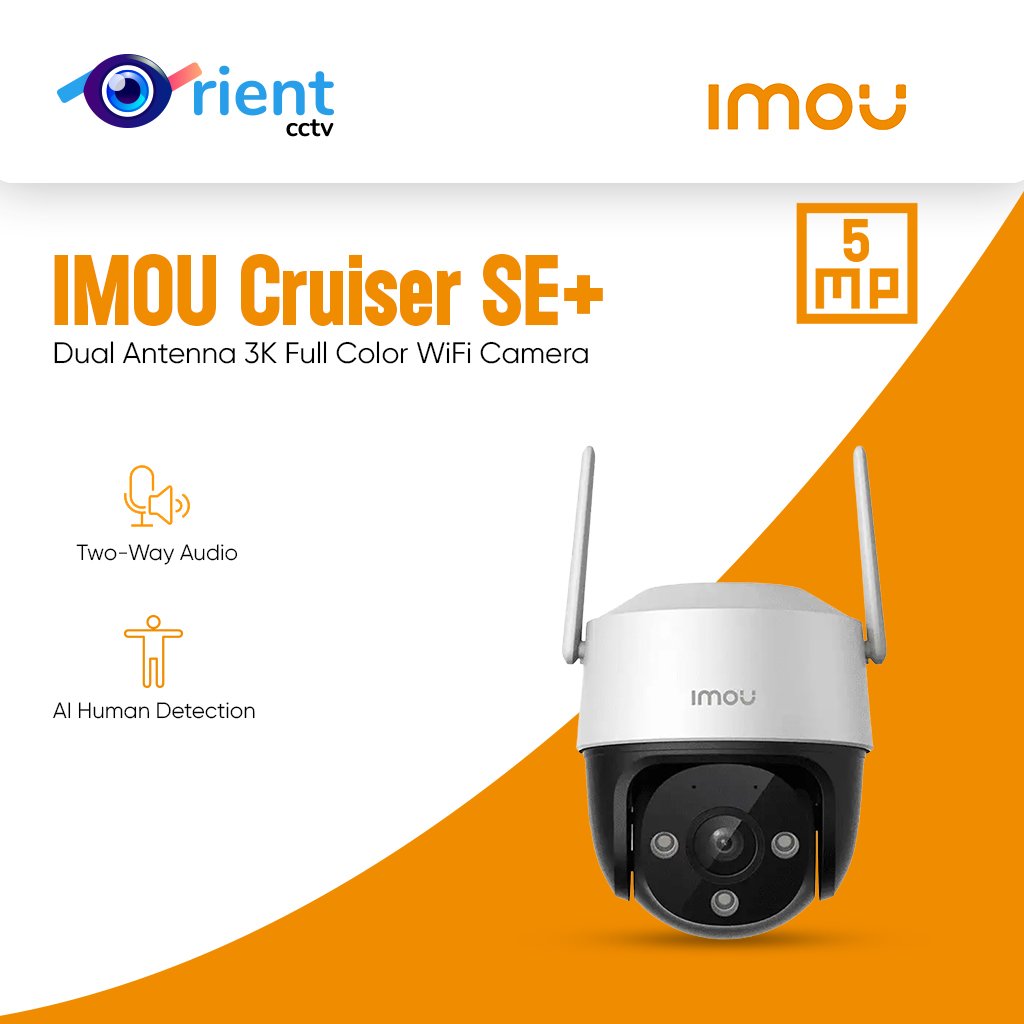
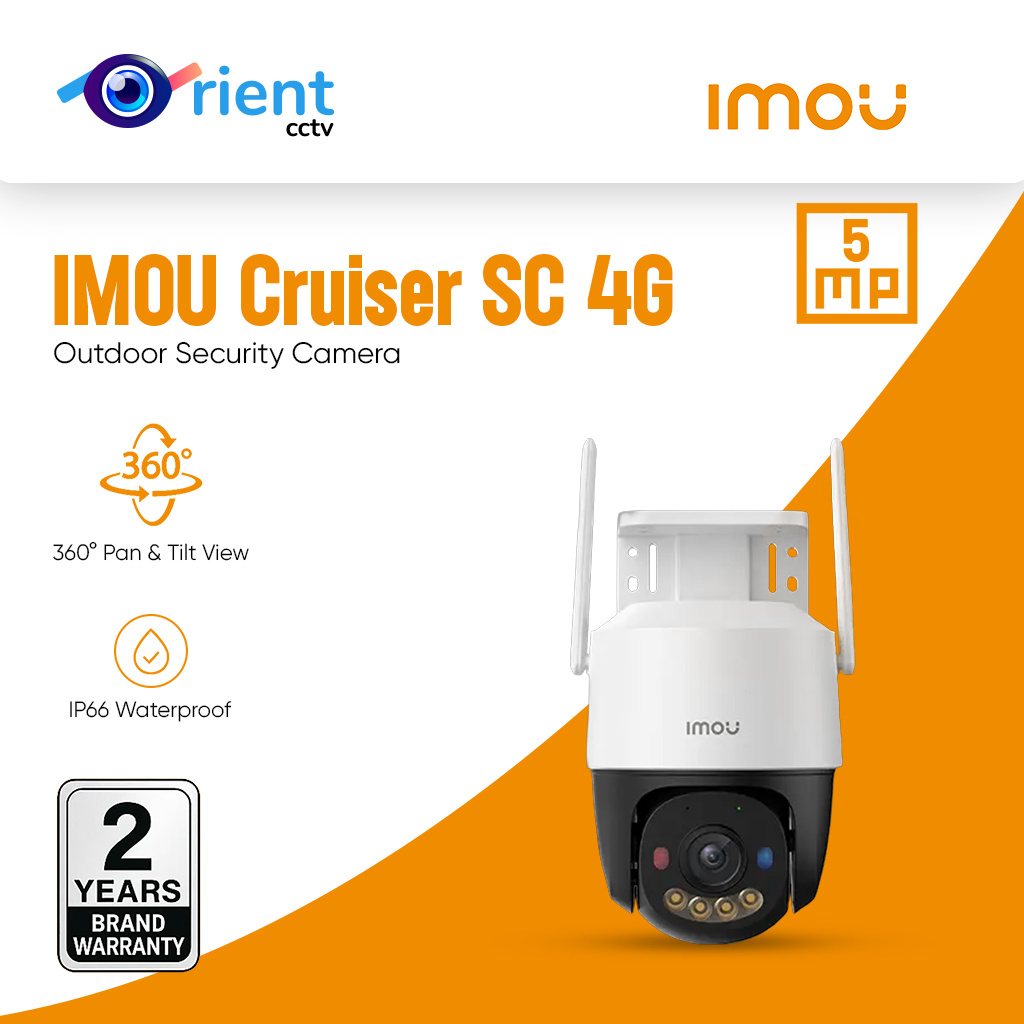
Description Get the Best Price on IMOU Cruiser SC 5MP from Orient CCTV! Keep your home and business safe with the IMOU Cruiser SC 5MP, a powerful outdoor Wi-Fi camera that combines high-resolution clarity with intelligent security features. Designed to perform day and night, this camera ensures round-the-clock protection through its advanced Full-Color Night Vision and AI Human Detection technology. No matter if it’s monitoring your driveway, backyard, or storefront, the Cruiser SC 5MP captures every detail in crisp 5MP quality, so you never miss a thing. Orient CCTV offers the best IMOU Cruiser SC 5MP smart camera in Pakistan. Built to withstand all weather conditions, its IP66-certified housing ensures durability even in harsh rain or direct sunlight. The red and blue warning lights serve as active deterrents, scaring off potential intruders before they can approach. With smart motion tracking, the camera automatically follows moving objects, providing seamless coverage and peace of mind. Features: 5MP Ultra HD resolution for sharp and detailed footage Smart Color Night Vision for vivid visuals even in darkness Built-in AI Human Detection to reduce false alerts Red & Blue warning lights for proactive security IP66 weatherproof design for all-season protection Two-way audio for real-time communication Supports Wi-Fi for easy setup and remote access via the IMOU app. Stay connected and protected wherever you are. Get your hands on the best IMOU cameras in Pakistan from Orient CCTV today. Secure your home the smart way! 5MP H.265 Video | Red-Blue Warning Lights | Privacy Mode | Human DetectionTwo-way Talk | Smart Color Night Vision | Smart Tracking | Alarm Notification Wi-Fi Connection | Active Deterrence | Weatherproof | Diversified Storage Up to 5MP 3K Video & H.265 Compression(H.264 compatible) High quality sensors present crystal clear videos and recordings.Red-Blue Warning Light When the camera detects intrusion, with built-in spotlight and Red-Blue warning light turns on and siren starts to alert. *Bicrystal lamps support both infrared light and white light emitting modesAI Human Detection Based on powerful AI algorithm, the camera can quickly finds human targets in images and immediately sends a notification to your smartphone, allowing you to monitor what matters without receiving annoying false alerts.0 ~355° Pan& 0 ~ 90° Tilt The user can rotate the lens to view every corner of your home. The full range ensures no blind spots.Smart Color Night Vision The both lenses support Four Smart Night Vision Modes, which provides clear full-color or black-and-white pictures even in complete darkness. ♦ Infrared Mode (Default Setting) | ♦ Color Mode ♦ Smart Mode | ♦ Off ModePrivacy Mode One click on Imou app to hide the camera PT lens, and to stop collecting any video and sound from the same time, which protects your personal privacy when you are home.Full-duplex Two-way Talk Built-in speaker and microphone allow you to interact with pets and family or dissuade unwelcome guests.Weatherproof The waterproof construction of the Cruiser SC can be adapted to any outdoor scenario.Protect your home like you are there ▶ Record and capture Record videos and capture photos to review, save and share the moments you missed at any time. ▶ Smooth livestream Dual antennas provide stronger network signals, with operating range of up to 330ft(in open area). ▶ Real-time notifications Receive real-time photo notifications on your phone and tablet to stay in-the-know when anything happens at home.Work with Smart Home Platform Imou life/AlexaDiversified storage ▶ SD Card ▶ NVR: Record for much longer time or operate multiple cameras * Note: Works with all NVRs that support Onvif protocol. ▶ Cloud: 30-day free trial for every new user.Operating with Imou Life App ▶ Step 1 Scan the following QR code or search “Imou Life” in Google Play or App Store to download and install the app. ▶ Step 2 Run Imou Life App, and then register an account for the first use. ▶ Step 3 Connect the camera to power source with the power adapter. ▶ Step 4 Wait for booting to be finished, and then the camera indicator flashes with green light. ▶ Step 5 Do the following operations to finish adding camera. *Note: If you have more than one camera, do step 5 to add them one by one. If the Wi-Fi network has changed or the indicator status goes wrong, reset the camera, and then do step 5 to add it again.Product AppearanceDimensions (mm) 126 × 159× 196 mm (4.96× 6.26× 7.72 inch)What’s in the box? – 1x Camera – 1x Installation Position Map – 1x Power Adapter – 1x Screw package – 1x Waterproof Connector – 1x Quick Start GuideFAQ Q: Difference between SD memory card and cloud storage? A: 1) Using SD card need to use computer to read the history monitoring screen, when the memory card is full, it will automatically delete and start a new round of recording, make sure to save the data in time; 2) Cloud storage is a value-added service, new devices have a 7-day free trial period of cloud storage, you can view the history monitoring screen directly in the app. When the trial period is over, you can choose to subscribe in the app. There is a time limit for using this service, when the time is full of 3 days or 7 days, the records will be automatically deleted and start a new round, make sure to save the data in time. Q: How to modify device’s photo /name /channel name /password in mobile app? A: Two methods to modify device infos from your account,firstly login into your account in mobile app: Method 1: Go to preview page then click icon on the top right corner, go to device settings page,click device image bar to Device Info page,click corresponding option to modify. Method 2: Click Me->My Device->select corresponding device ->click device image bar to Device info page -> click corresponding option to modify. Q: The app says”Failed to bind”? A: When the app says “Failed to bind”, it means your device is already successfully connected to your Wi-Fi, but failed to add the device to your Imou account. Please double check whether your router is connected to Internet, then try again. Normally the reason is the Internet connection is not stable. Q: Imou account? For security reason, one camera can be bound to only one Imou account. So if you want to add your camera to a new account, please delete it from the previous account first. A: Two methods to delete camera from your account,firstly login into your account in mobile app: (1) Method 1:go to preview page then click gear icon on the top right corner, go to device settings page, slide to the bottom then delete device. (2) Method 2:Click Me->My Device->select corresponding device ->slide to the bottom ->Delete Device. Q: I changed my Wi-Fi, I want to put the camera at a new location, how to connect my camera to my new Wi-Fi? A: 1)Firstly please check whether your camera has an Ethernet port and whether you have an Ethernet cable at hand. 2)If yes, please power on your camera and connect it to your Router with the Ethernet cable, wait till the LED turn stably blue to make sure it has access to Internet. Then login to your Imou account, find your IPC on “Device” page and go to its settings page, then tap “Wi-Fi Config” and you can connect it to your new Wi-Fi. 3)If your camera has no Ethernet port or you don’t have a cable at hand, we suggest you reset your camera to factory default, then setup your camera with the new Wi-Fi. Q: How can I receive the alarm message? A: 1)Firstly, you need click the enable button in the upper right corner in the picture of the channel of main page. 2)If it says “Failed to subscribe”, we suggest you ensure the following configuration: Receives notifications from APP. Enable Imou Notifications via “Settings”->” Notifications” on your iPhone and “Me”-> “Settings”-> “Notice” on Imou APP. 3)Enable Event in the device. Take motion detection as an example, the event should be enable and time schedule should be valid. 4)Make sure the device is connected to Internet. 5)After successfully subscribe, you will receive the message. Q: Working at night, the image is all black? A: Reason: 1)IR LED didn’t light up 2)ICR didn’t switch to night mode 3)Objects are too far away from the camera Solution: ①If the IR LED did light up, but you cannot hear “KA” and the image is still all black, maybe there is something wrong with the ICR. ②For consumer cameras, the IR distance is less than 10m(differ between different models), so you cannot see too far away at night.
Imou Outdoor Wifi Cameras